

CaptchaFlow Pro
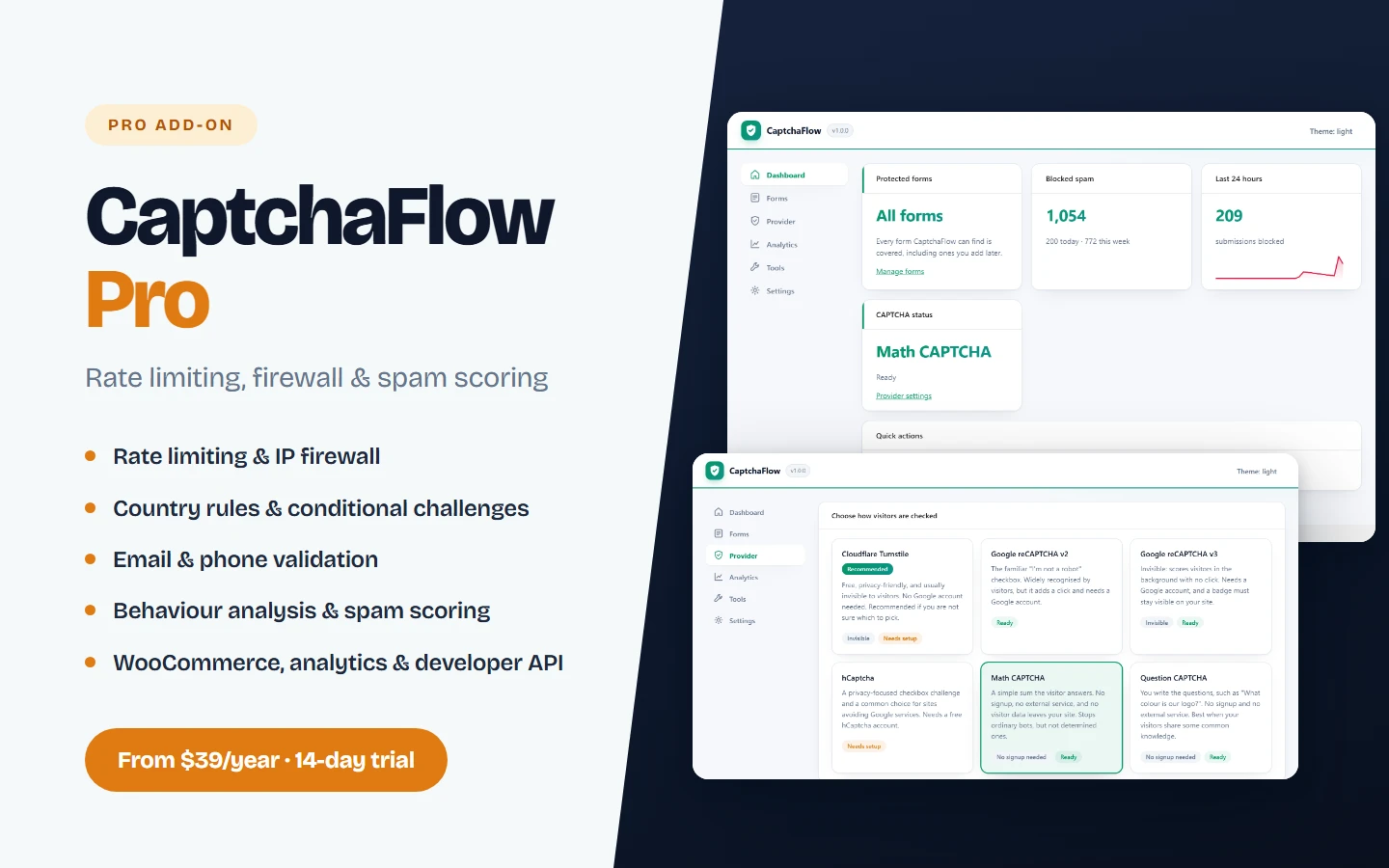
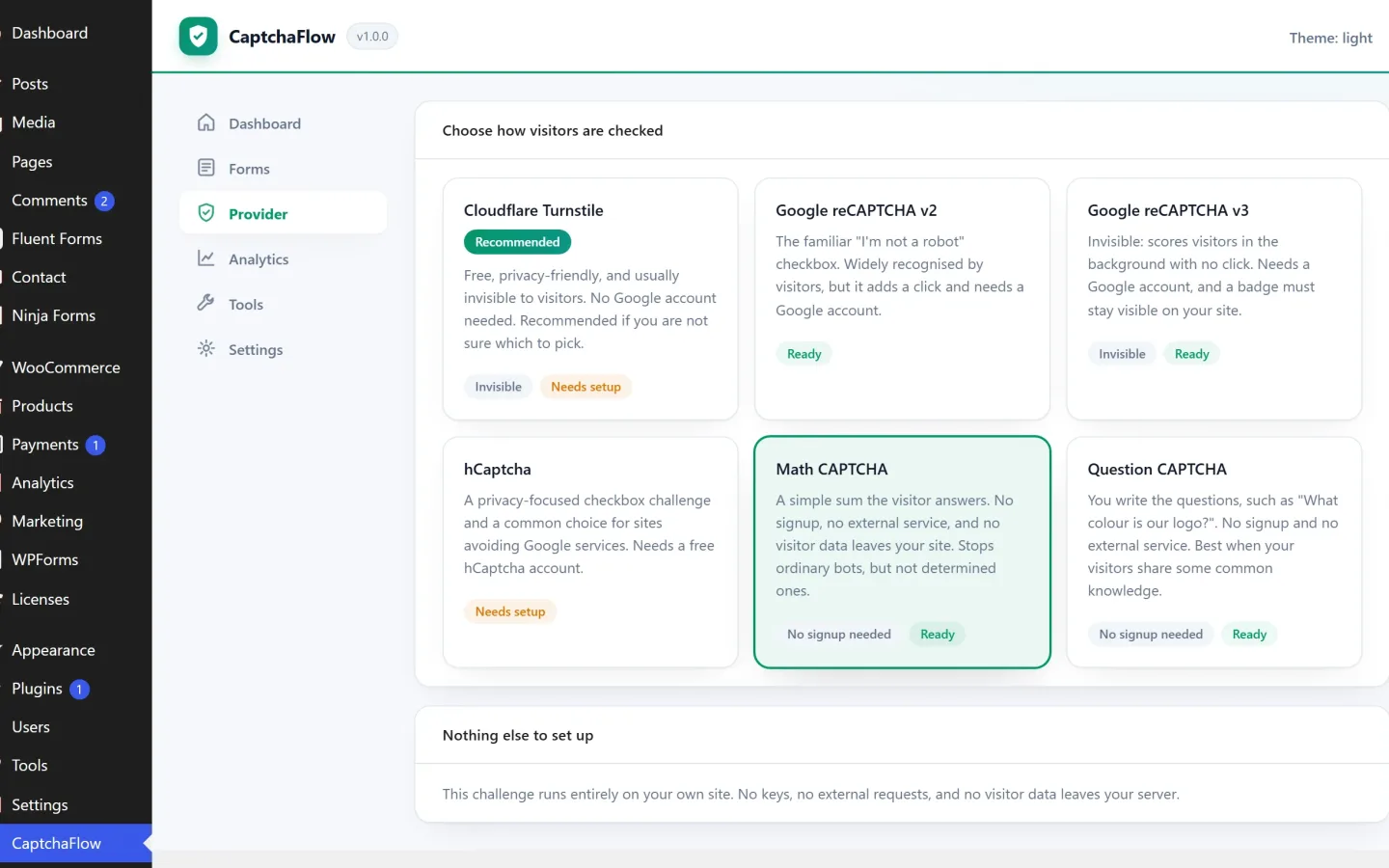
The Pro protection layer for CaptchaFlow — rate limiting, IP and country firewall, spam scoring, WooCommerce protection, analytics and a developer API.
Updated August 25, 2026 Version 1.1.1 WordPress Plugin

Overview
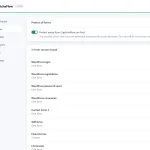
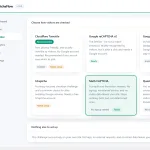
CaptchaFlow Pro extends CaptchaFlow for sites where spam has stopped being accidental. It is an add-on, not a replacement: the free plugin must be installed and active, and every setting, key and log you already have is kept exactly as it is.
Pro features
- Rate limiting — throttle repeat submitters with a sliding window
- IP firewall — block or allow individual addresses and whole countries
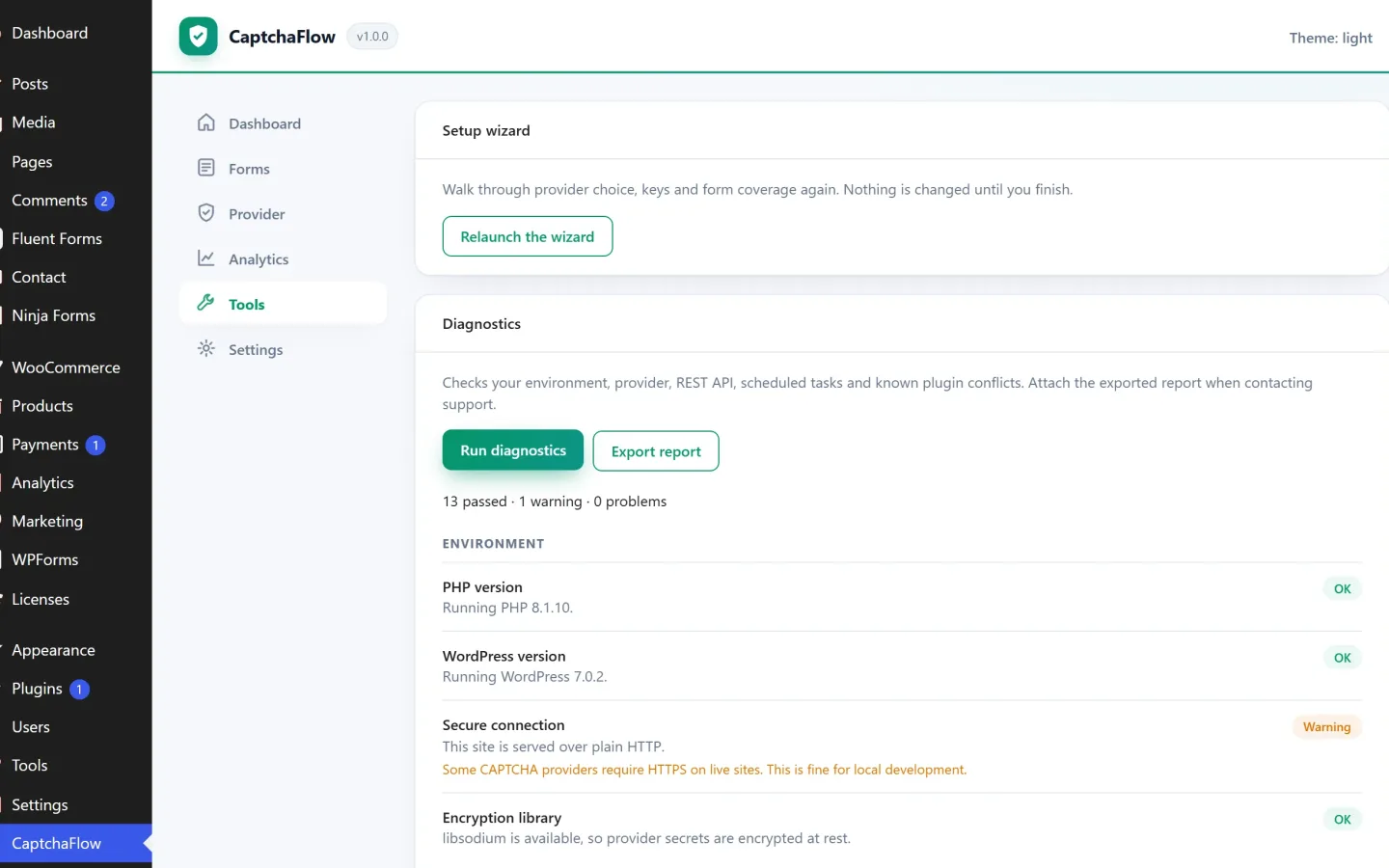
- Email and phone validation — reject disposable mailboxes and malformed numbers before they reach your inbox
- Behaviour analysis and spam scoring — borderline submissions are challenged instead of silently allowed
- Country rules and conditional challenges — a harder challenge only where abuse comes from
- WooCommerce checkout and product review protection
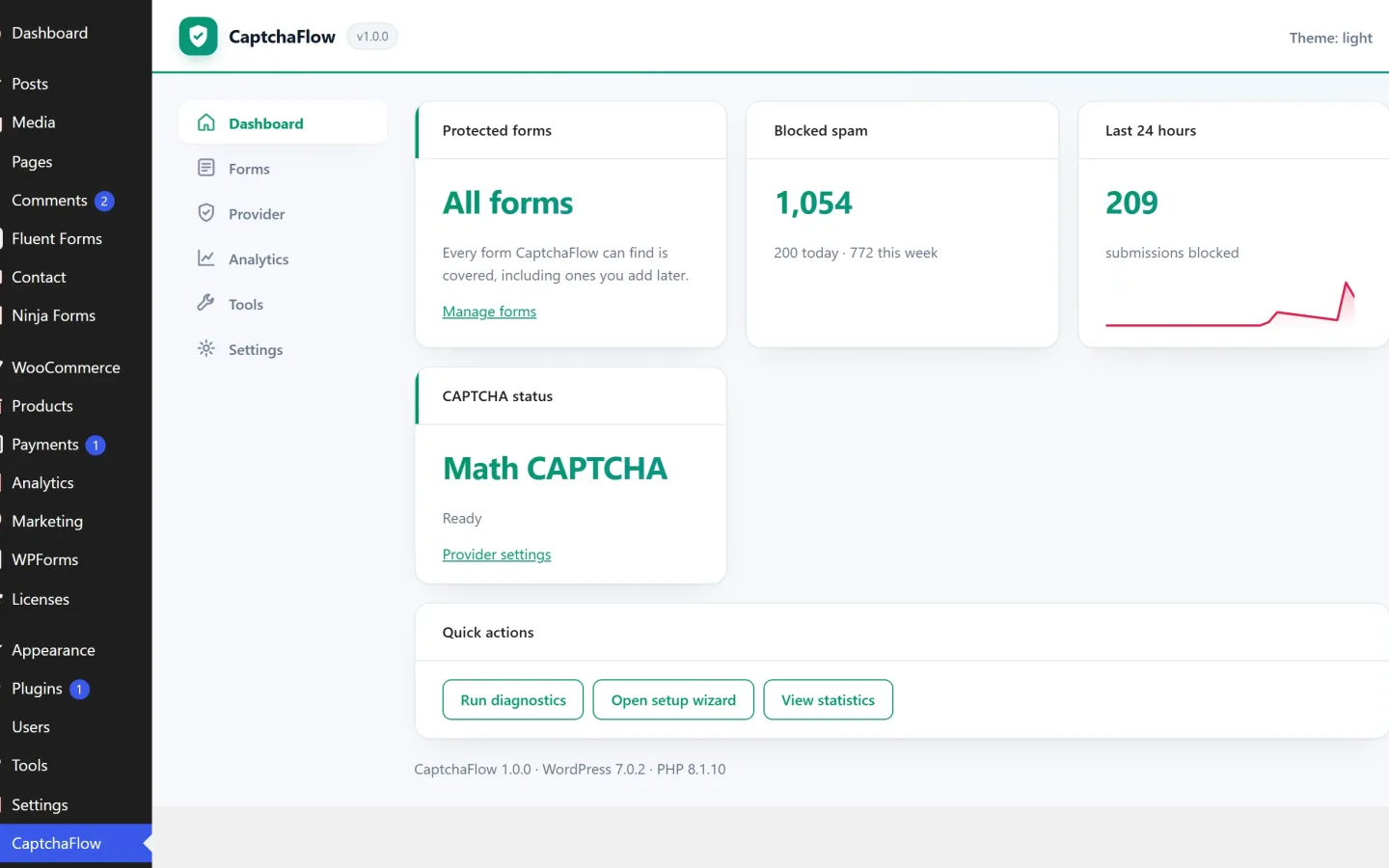
- Analytics, alerts and health reports
- Developer API and webhooks
- White label — hand clients a plugin that carries your name
- Recommendations and auto-optimization based on your own results
- Multisite — network-wide settings for every site on the network
- Automatic updates through the normal WordPress updates screen
Plans
- 1 Site — $39/year, or $139 once
- Unlimited Sites — $169/year, or $239 once
Every paid plan starts with a 14-day free trial — no card required.
Requirements
- The free CaptchaFlow plugin, installed and active
- WordPress 6.5 or higher
- PHP 7.4 or higher
Features
- Rate limiting — throttle repeat submitters with a sliding window
- IP firewall — block or allow individual addresses and whole countries
- Email and phone validation — reject disposable mailboxes and malformed numbers before they reach your inbox
- Behaviour analysis and spam scoring — borderline submissions are challenged instead of silently allowed
- Country rules and conditional challenges — a harder challenge only where abuse comes from
- WooCommerce checkout and product review protection
- Analytics, alerts and health reports
- Developer API and webhooks
- White label — hand clients a plugin that carries your name
- Recommendations and auto-optimization based on your own results
- Multisite — network-wide settings for every site on the network
- Automatic updates through the normal WordPress updates screen
Specifications
- Version
- 1.1.1
- Product type
- WordPress Plugin
Documentation
Getting started
- 1 Download the .zip file — it arrives on screen and by email as soon as checkout completes.
- 2 In WordPress go to Plugins → Add New → Upload Plugin.
- 3 Choose the zip, then select Install Now and Activate.
- 4 Open the setup notes bundled in the download for configuration details.
Setup notes ship inside the download itself, so the documentation always matches the version you have.
Read the documentation (opens in a new tab)Changelog
-
1.1.1
- Fixed: a site whose reCAPTCHA key was not registered for its domain could lock everyone out of the login screen, including administrators. Provider and configuration errors are now treated as the provider being unavailable.
- Fixed: challenges now appear in forms added to the page after it loads - popups, modals, AJAX tabs and anything loaded on scroll.
- Fixed: forms that are not HTML forms, such as React-driven checkouts, now receive the challenge fields they need.
-
1.1.0
- Added: theme compatibility checker.
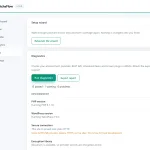
- Added: one-click diagnostics for keys, latency, REST, cron and cache.
-
1.0.0
- Initial release.
Frequently asked questions
How do I get the files after paying?
Checkout runs through Freemius. The moment payment completes your download links are delivered instantly — on screen and by email.
Can I try it before I commit?
Yes — the live preview is the real product running, not a mockup. Click through it as much as you like before deciding.
What do I need to run it?
A self-hosted WordPress site. Upload the zip from your WordPress dashboard and activate it — no extra build tools required.
How many sites does a licence cover?
That is set by the plan you choose at checkout — each Freemius plan states exactly how many sites it covers, and you can move up to a larger plan later.
Where do I get help?
Setup notes ship inside the download, and you can contact us directly for anything else — every product is built and supported in-house by TemplateSell.
You might also like
More from Premium Items

Ready to build with CaptchaFlow Pro?
Checkout takes a minute through Freemius, and your files are delivered instantly.