

Gated Downloads – Lead Capture & Content Locker
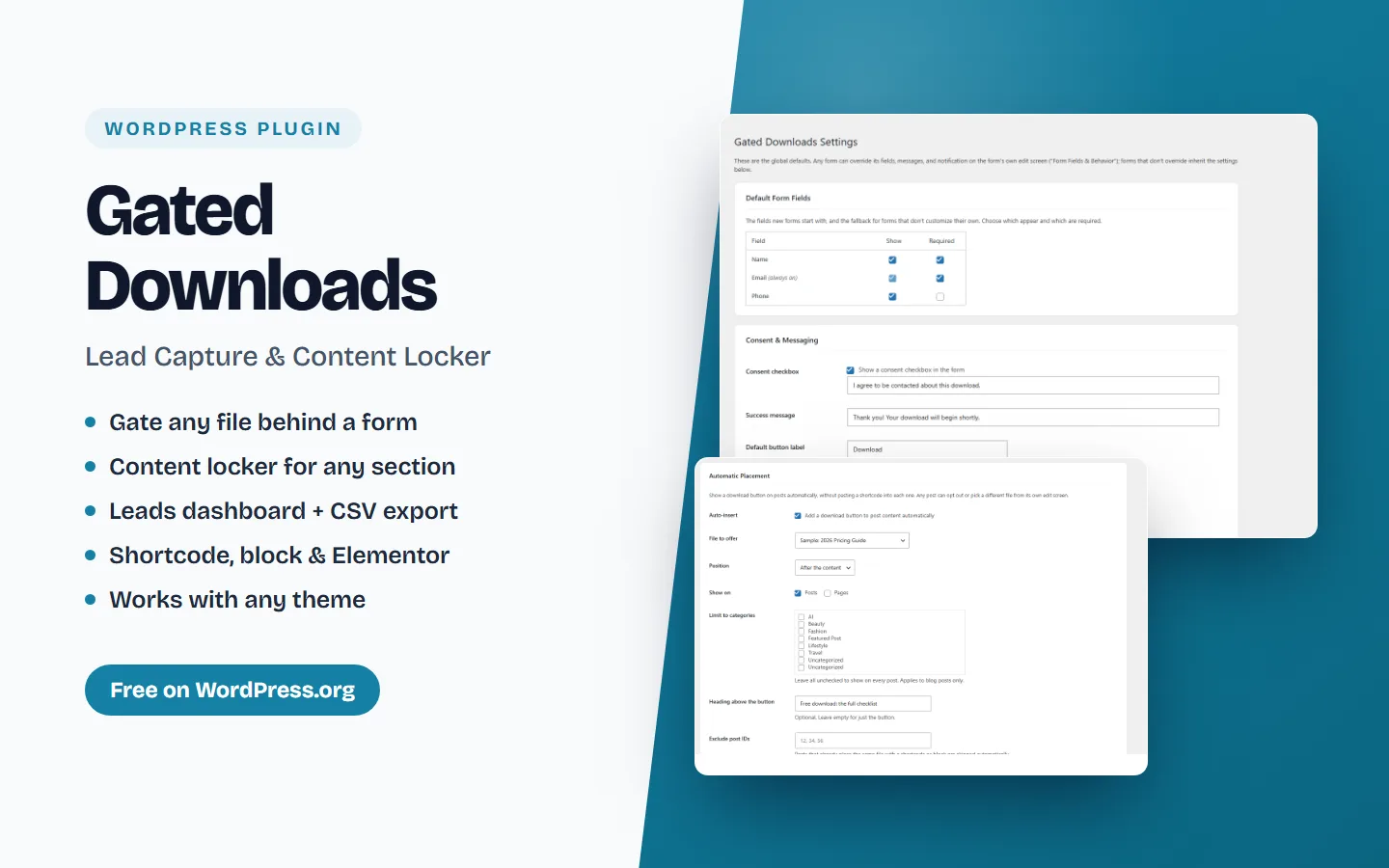
Gate any download behind a lead-capture form. Collect name, email and phone, then deliver the file — accessible, translatable, and compatible with any theme.
Updated August 6, 2026 Version 1.3.0 WordPress Plugin
Overview
Gated Downloads turns any download into a lead. Place a download button anywhere with a shortcode or block; when a visitor clicks it, an accessible pop-up form asks for their details. After they submit, the lead is saved to your site and the file is delivered.
Use it for ebooks, whitepapers, checklists, brochures, price lists, documents, media kits — any file you want to exchange for a contact.
Key features
- Gate unlimited downloads of any file type — PDF, Word, Excel, CSV, PowerPoint, ZIP, images, audio, video (upload to the Media Library or link an external URL)
- No file? Leave it empty to use any form as a simple email opt-in
- Content Locker — hide part of a post behind the form with
; the content is never in the page source and stays unlocked for returning visitors - Automatic placement — add a download button to every post, or only chosen post types and categories
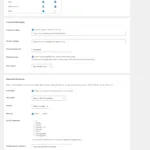
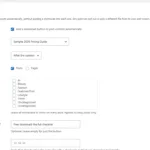
- Choose, reorder and require fields per form — Name, Email, Phone, Company, Job Title, Website, Country
- Per-form success message, submit button text and optional redirect
- Lightweight, accessible pop-up (focus-trapped, keyboard and screen-reader friendly)
- Shortcode, Gutenberg block and a native Elementor widget
- Inline link trigger —
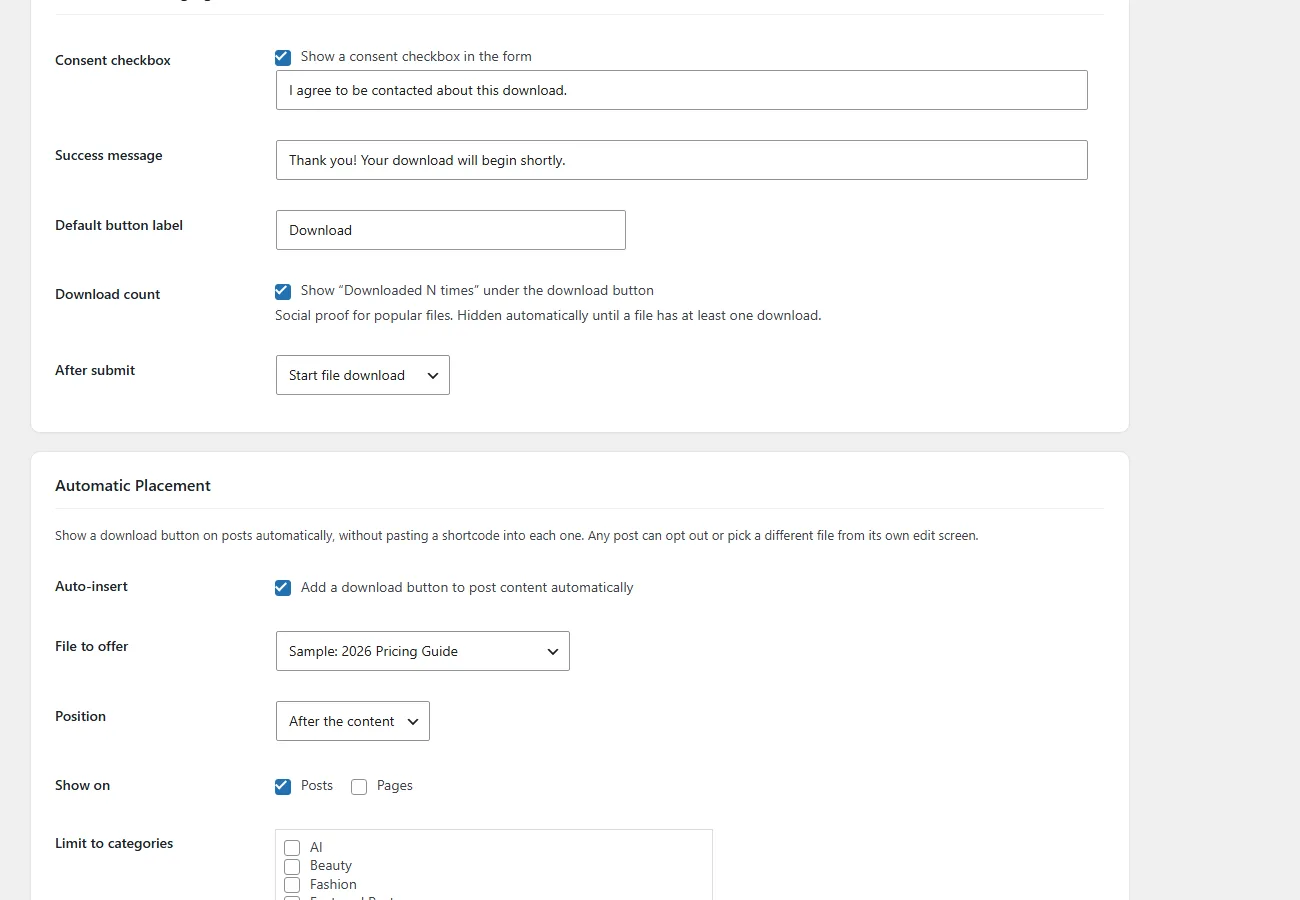
- Download counter with optional “Downloaded 1,204 times” social proof
- Campaign tracking — utm_source, utm_medium, utm_campaign, utm_term, utm_content and referrer on every lead
- Leads dashboard with CSV export
- Conversion analytics — button views, form opens, leads and conversion rate per file (daily counters only, no cookies)
- Admin email notification on each new lead
- Automatic download email to every lead
- Built-in honeypot spam protection, zero setup
- GDPR-friendly: optional consent checkbox, data stays in your database, export/erase support
- Works with any theme — the modal renders at the page root
- Fully translatable. No external services, no tracking.
How to use
- Go to Gated Downloads → Add New Gated File.
- Upload a file (or paste an external URL) and set the button label.
- Pick which fields the form asks for, reorder them, and set the success message or redirect.
- Paste the shortcode, for example
, into any post or page. - Read captured leads under Gated Downloads → Leads and export them as CSV.
Requirements
- WordPress 6.2 or higher
- PHP 7.4 or higher
- Licensed GPL-2.0-or-later
Links
- Download from WordPress.org — the plugin directory listing, reviews and support forum
- Product page — features, screenshots and plan comparison
- Documentation
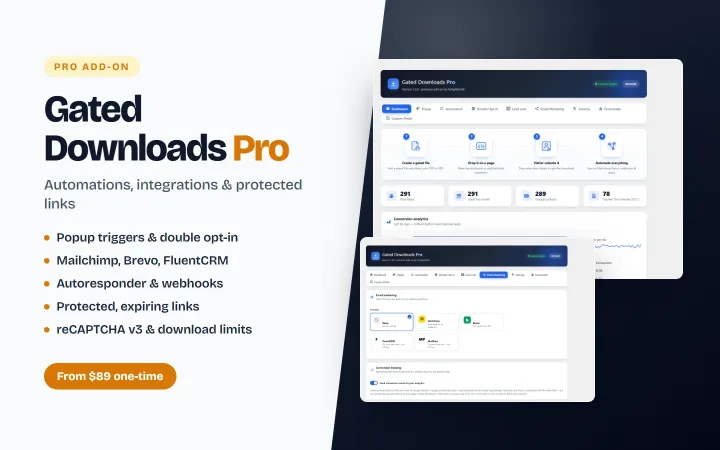
- Gated Downloads Pro — the paid add-on
Features
- Gate unlimited downloads of any file type — PDF, Word, Excel, CSV, PowerPoint, ZIP, images, audio, video (upload to the Media Library or link an external URL)
- No file? Leave it empty to use any form as a simple email opt-in
- Content Locker — hide part of a post behind the form with [tslgd_lock id="123"]; the content is never in the page source and stays unlocked for returning visitors
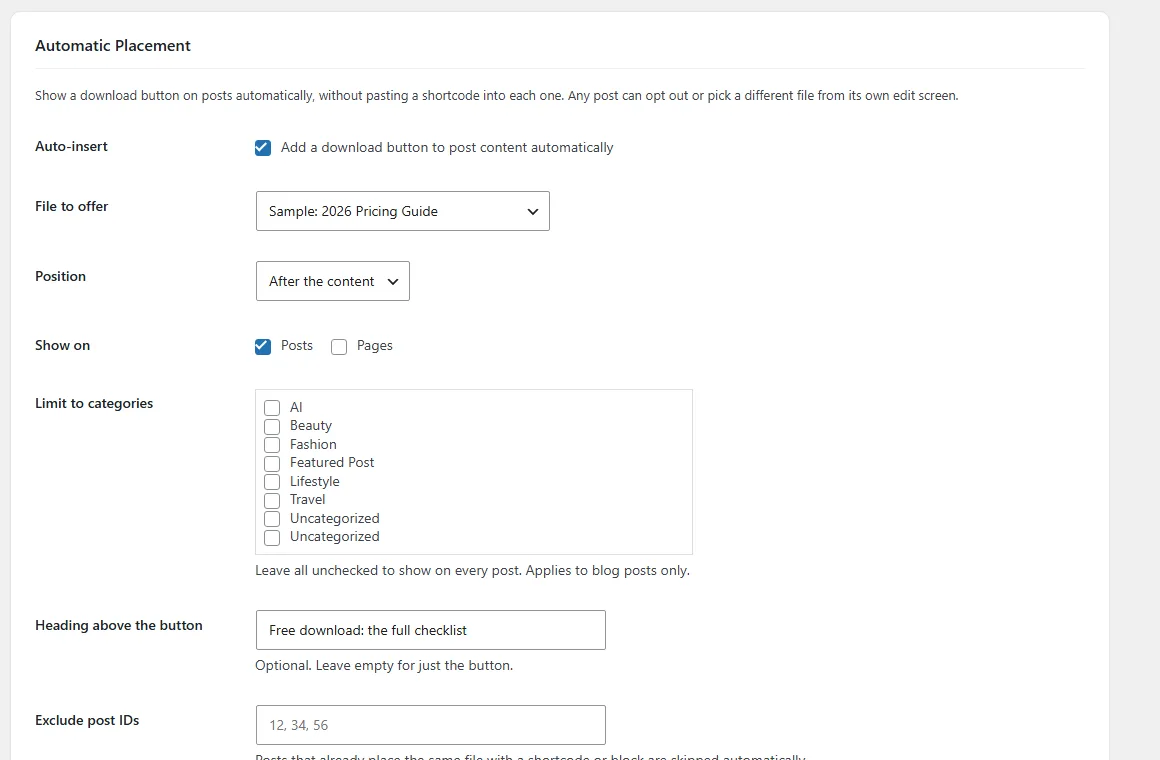
- Automatic placement — add a download button to every post, or only chosen post types and categories
- Choose, reorder and require fields per form — Name, Email, Phone, Company, Job Title, Website, Country
- Per-form success message, submit button text and optional redirect
- Lightweight, accessible pop-up (focus-trapped, keyboard and screen-reader friendly)
- Shortcode, Gutenberg block and a native Elementor widget
- Inline link trigger — [tslgd_link id="123"]any wording[/tslgd_link]
- Download counter with optional "Downloaded 1,204 times" social proof
- Campaign tracking — utm_source, utm_medium, utm_campaign, utm_term, utm_content and referrer on every lead
- Leads dashboard with CSV export
- Conversion analytics — button views, form opens, leads and conversion rate per file (daily counters only, no cookies)
- Admin email notification on each new lead
- Automatic download email to every lead
- Built-in honeypot spam protection, zero setup
- GDPR-friendly: optional consent checkbox, data stays in your database, export/erase support
- Works with any theme — the modal renders at the page root
- Fully translatable. No external services, no tracking.
Documentation
Getting started
- 1 Request the download on this page — the link is emailed to you straight away.
- 2 In WordPress go to Plugins → Add New → Upload Plugin.
- 3 Choose the zip, then select Install Now and Activate.
- 4 Open the setup notes bundled in the download for configuration details.
Setup notes ship inside the download itself, so the documentation always matches the version you have.
Read the documentation (opens in a new tab)Tagged
Frequently asked questions
Is this really free?
Yes. Download it and use it on your own site at no cost. Where a Pro edition exists it adds more features, layouts and support — the free build is never time-limited.
Can I try it before I commit?
Yes — the live preview is the real product running, not a mockup. Click through it as much as you like before deciding.
What do I need to run it?
A self-hosted WordPress site. Upload the zip from your WordPress dashboard and activate it — no extra build tools required.
Where do I get help?
Setup notes ship inside the download, and you can contact us directly for anything else — every product is built and supported in-house by TemplateSell.
You might also like
More from Free Items

Ready to build with Gated Downloads – Lead Capture & Content Locker?
Tell us where to send it and the download link is in your inbox seconds later.